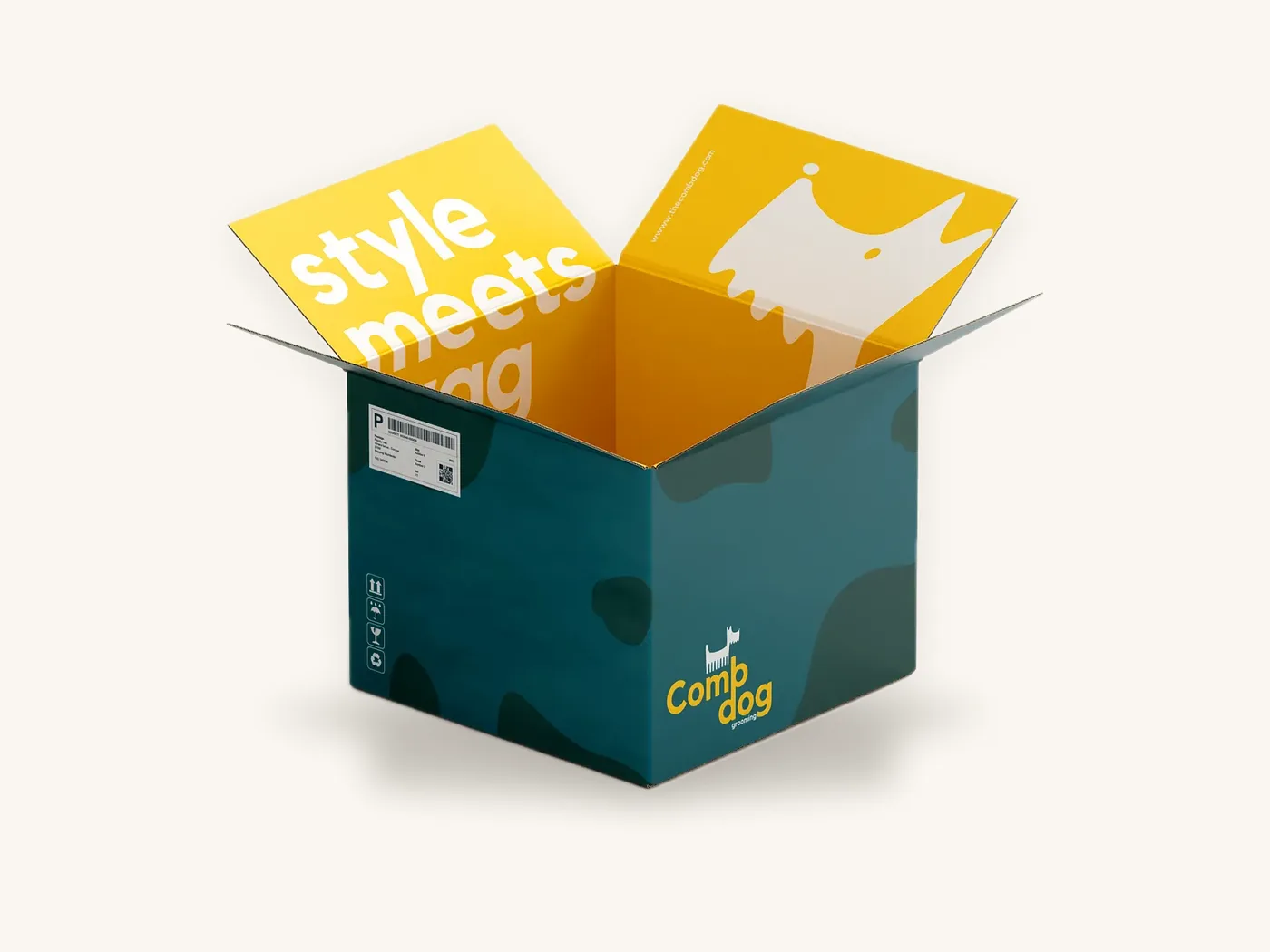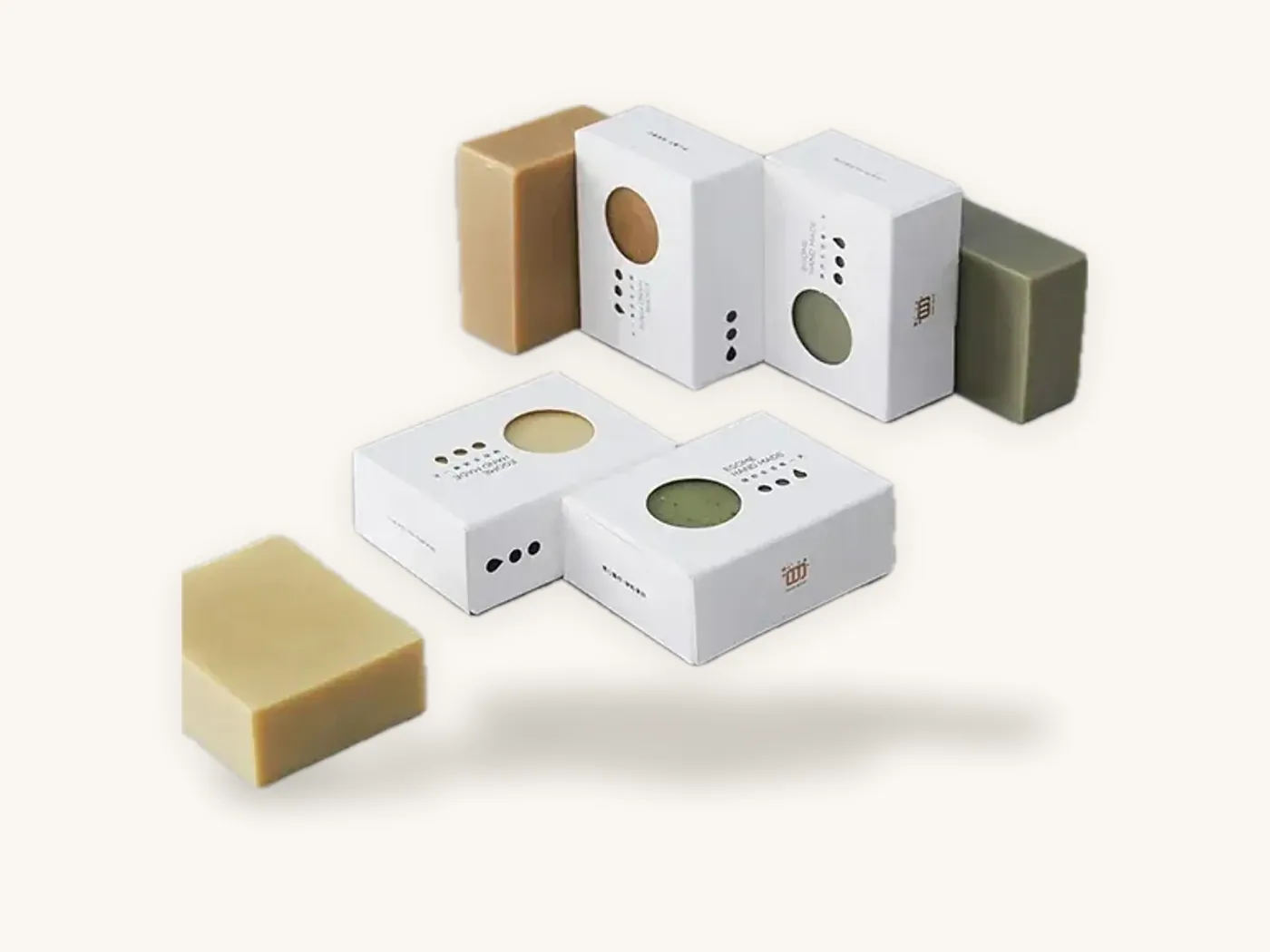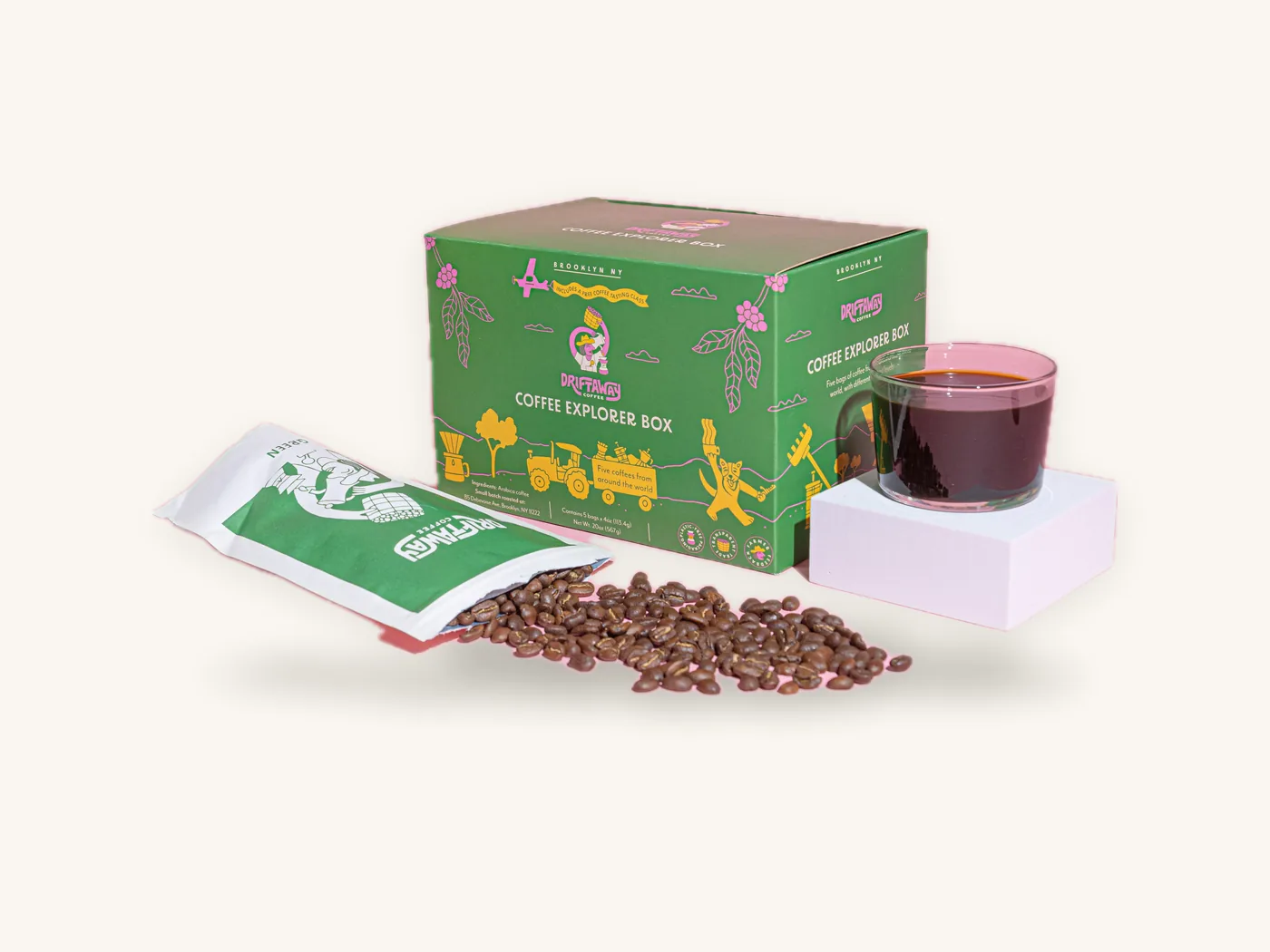
A QR code on packaging scans reliably when three things are right: it is printed large enough for the amount of data it holds, it has a clear quiet zone on all four sides, and it sits on a flat panel with strong dark-on-light contrast. Get those right and almost any phone camera will read it in a second. Get one wrong and the code becomes decoration.
The harder part is deciding what the code should do. A QR code box that links to your homepage wastes a valuable panel; one that opens setup instructions, reorder links or batch information earns its space. This guide covers the uses worth printing, practical sizing and placement ranges, how board and finish affect scanning, and how to test before a full run.
Key takeaways
- Decide the job first: instructions, reorders, product information, authenticity or feedback. The destination drives the size and placement.
- As a practical range, most packaging QR codes print between about 0.8 in and 1.25 in square for close-range scanning; go larger for long URLs, textured board or scanning from a distance.
- Leave a quiet zone of at least four modules (the small squares) of blank space on every side, and keep the code clear of folds, glue flaps and cut lines.
- Use dynamic (redirecting) short URLs so you can change the destination without reprinting boxes.
- Print dark code on a light background, avoid foil, heavy gloss or spot UV over the code, and test on the actual board before approving.
- A QR code does not replace a UPC barcode for retail checkout or any legally required label text.
What a QR code on packaging should do
Smart packaging simply means packaging that connects to something beyond the printed panel. The QR code is the cheapest way to make that connection, but only if scanning it rewards the customer. Start with the moment when someone would actually pick up their phone.
Uses that earn the space
| Use | Where the customer scans | Best panel | Why it works |
|---|---|---|---|
| Setup or how-to video | At home, box open | Inside lid or insert card | Replaces a printed manual, updates easily |
| Reorder or subscribe | When the product runs low | Back panel or bottom | Links straight to the right SKU |
| Ingredients, sourcing, lot details | In store or at home | Side or back panel near the info block | Holds more detail than a panel can |
| Warranty registration | At home after opening | Insert card | Captures customer details you would not otherwise get |
| Authenticity check | Before or after purchase | Seal, label or side panel | Paired with a unique code per unit |
| Recycling and disposal guidance | When the box is empty | Bottom or inside flap | Can reflect local rules through a web page |
| Reviews or feedback | Days after delivery | Insert card | Timed to when the customer has used the product |
Uses that usually disappoint
Codes that open a homepage, a general social profile or a page that is not optimized for phones rarely get scanned twice. Neither do codes with no label at all. People scan when they know what they will get, so always pair the code with a short call to action such as "Scan for the 2-minute setup video."
QR code sizing for packaging
There is no single correct size, because readability depends on how much data the code encodes, how far away the phone is, and how well the surface prints. The ranges below are practical starting points, not guarantees; always confirm with a printed test.
How data affects size
A QR code is a grid of modules. Short content produces a small grid with large modules; long content produces a dense grid with tiny modules. The smallest version is 21 by 21 modules, and a long URL with tracking parameters can push it far higher. At the same printed size, a denser code has smaller modules, which are harder for a camera to resolve.
That is why a short redirect URL is the most useful sizing trick you have. Encoding a brief link instead of a long address with campaign tags keeps the grid simple, so the code can print smaller and still scan.
Practical size ranges
| Situation | Typical minimum printed size | Notes |
|---|---|---|
| Short URL, smooth SBS carton, scanned in hand | About 0.8 in (2 cm) square | Common floor for small cartons |
| Longer URL or more detailed content | About 1–1.25 in (2.5–3 cm) | Dense grid needs larger modules |
| Kraft board or corrugated liner | About 1–1.5 in (2.5–4 cm) | Texture and lower contrast reduce margin |
| Shelf or display scanning at arm's length | About 1.5–2 in (4–5 cm) | Phone is further away |
| Display or shipper read from a distance | Roughly distance divided by 10 | A code scanned from 20 in needs about 2 in |
The "distance divided by ten" rule is a widely used rough guide. It becomes important for counter display boxes and shipper cartons, where people scan from a step or two away rather than holding the box.
Error correction level
QR codes include redundancy so they can still be read if part of the code is damaged or covered. The four levels (L, M, Q, H) trade data capacity for robustness. Higher levels make the grid denser for the same content, so they need a larger print size. For packaging, a medium or higher level is a sensible choice because boxes get scuffed and codes near edges can take knocks. If you place a logo in the middle of the code, use a higher level and test carefully.
Watch out: never scale a QR code non-proportionally or stretch it to fit a panel. Keep it square, export it as vector artwork, and do not let the designer "tidy" the modules into rounded shapes without testing every variation on the real board.
Quiet zone, contrast and print surface
Most packaging QR codes that fail to scan are not too small. They are crowded, low contrast or printed on the wrong surface.
The quiet zone
The QR specification calls for a margin of blank space around the code equal to four modules. Scanners use that empty border to find the code's edges. Background patterns, text or a panel edge that crowds the code can stop it from reading. On packaging, leave at least the four-module margin, and more where the code sits near a busy pattern. It is also sensible to keep the whole code, including its quiet zone, at least 1/8 in (3 mm) inside every cut line and crease.
Contrast rules
- Dark modules on a light background read most reliably. Black or a deep brand color on white is ideal.
- Inverted codes (light on dark) are read by many modern phone cameras but not all scanning apps. Test before committing.
- Avoid mid-tone combinations such as mid-grey on light blue, or red on orange.
- Do not print a code over a photograph or gradient. Put a solid light box behind it.
How board and finish change the result
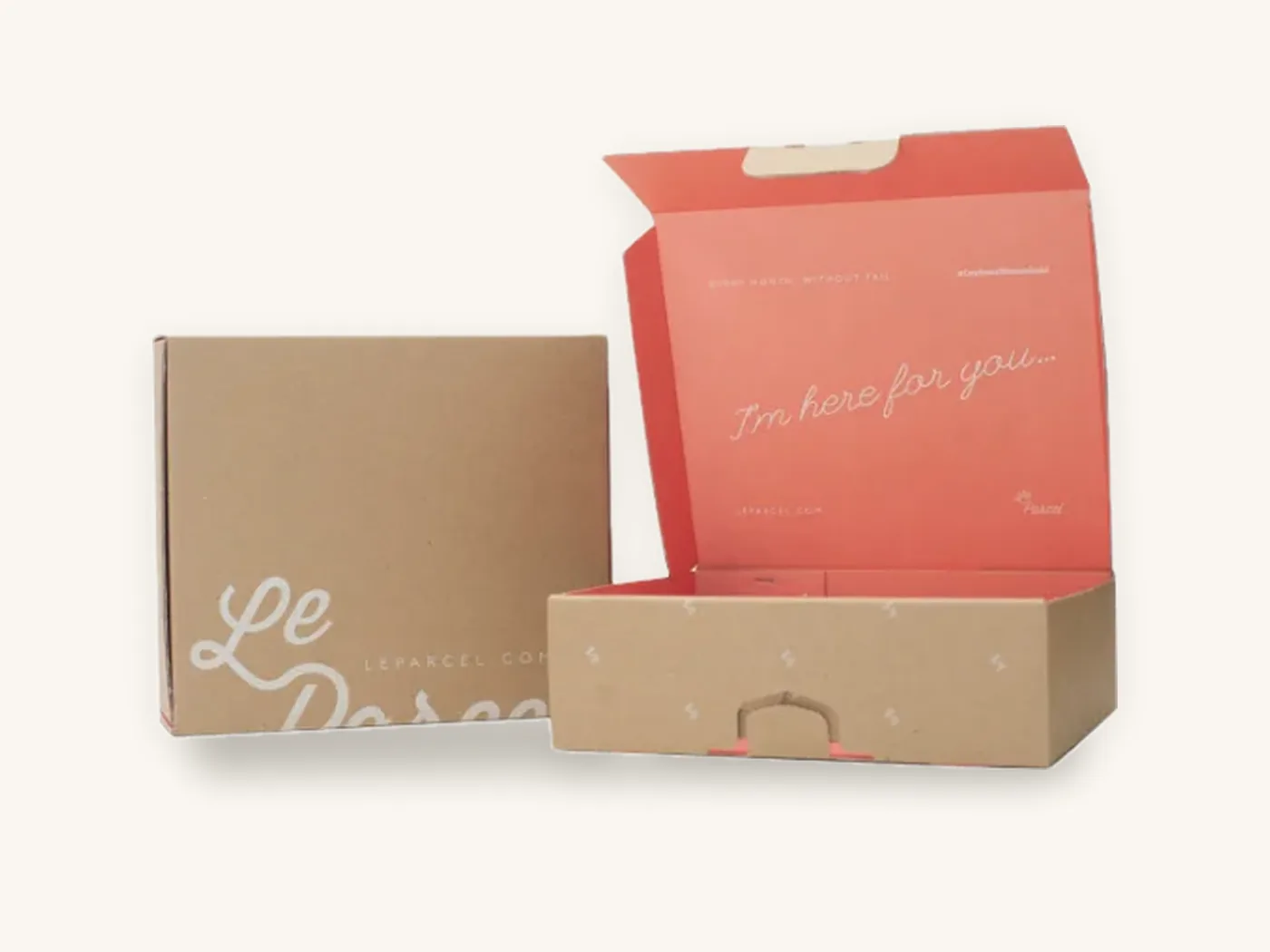
On white SBS paperboard, codes print crisply and small sizes are achievable. On kraft paperboard, the brown base lowers contrast; either print the code in a dark color on a white ink patch, or increase its size. Corrugated liners are slightly less smooth than paperboard, so give codes on mailers and shippers more size than you would on a carton.
Finish matters as well. A matte lamination or aqueous coating is scanner-friendly. High-gloss lamination can throw glare into the camera under shop lighting. Foil and metallic board reflect unpredictably and should never form the code itself. Spot UV over a code creates uneven shine; keep spot UV away from it entirely. The printing and finishes page shows how each option looks.
Where to place a QR code on different box styles
Placement decides whether a code is scannable and whether anyone sees it at the right moment. A good QR code box design puts the code where the relevant question arises.
Folding cartons and tuck end boxes
On custom product boxes and tuck end styles, the back panel is the default. It is flat, it faces the shopper after they pick up the box, and it usually sits next to ingredient or instruction text, which gives the code context. Avoid the tuck flaps and dust flaps, which fold and bend. The tuck end boxes style page shows where the flat panels fall on each structure.
Narrow cartons such as tincture and lipstick boxes present a width problem. If a panel is only about 1.5 in wide, a 1 in code plus quiet zone takes up nearly the whole face. In that case, move the code to an insert, a label or the widest side panel.
Mailers and subscription boxes
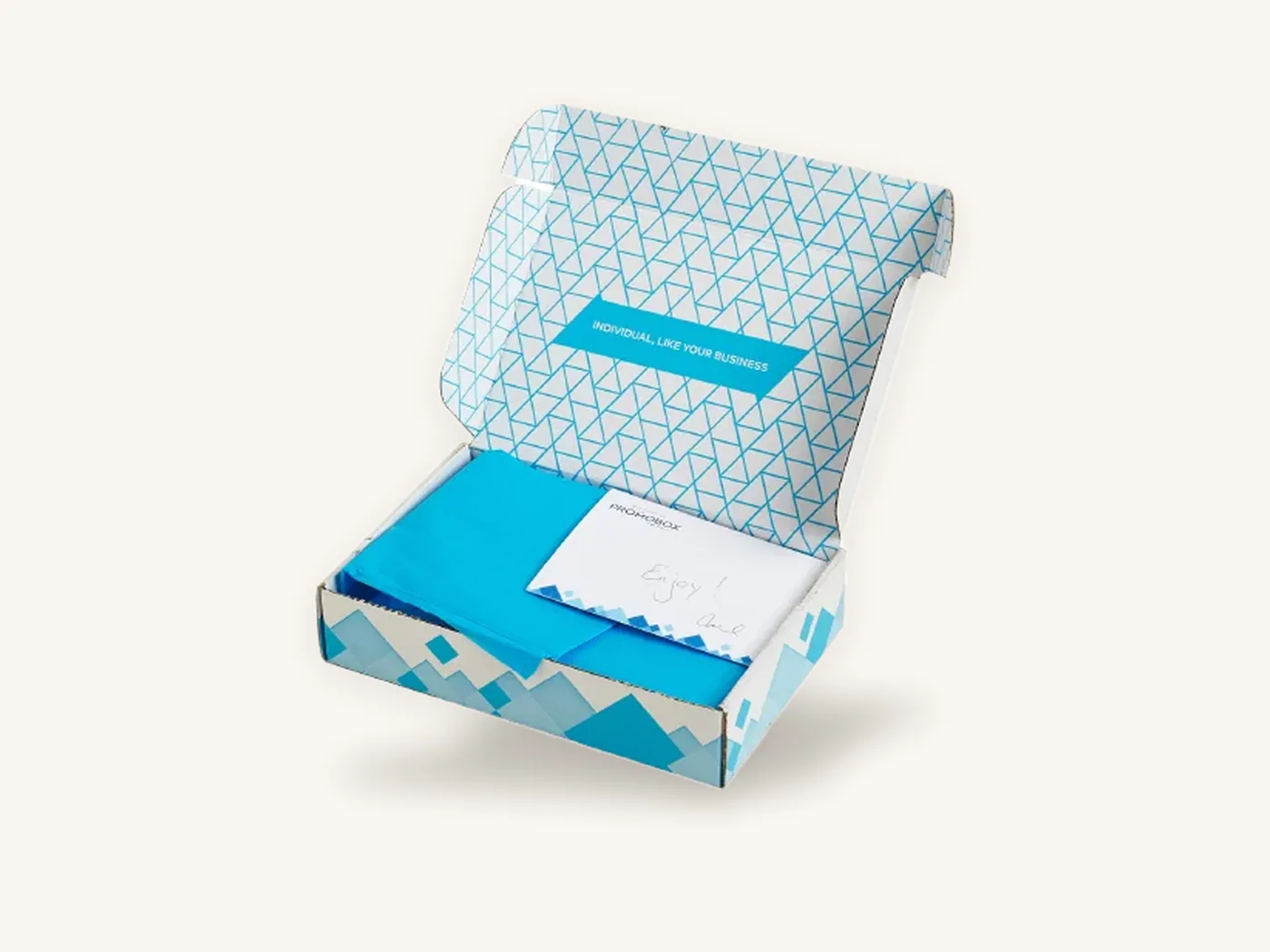
For subscription boxes and mailers, the inside lid is prime space: the customer is looking there at the moment of maximum interest. A code linking to a welcome video, this month's guide or a referral page fits naturally. Codes on the outside of shippers are useful mostly for returns or recycling information, and they need extra size because the exterior gets scuffed and labeled.
Supplements, wellness and regulated products
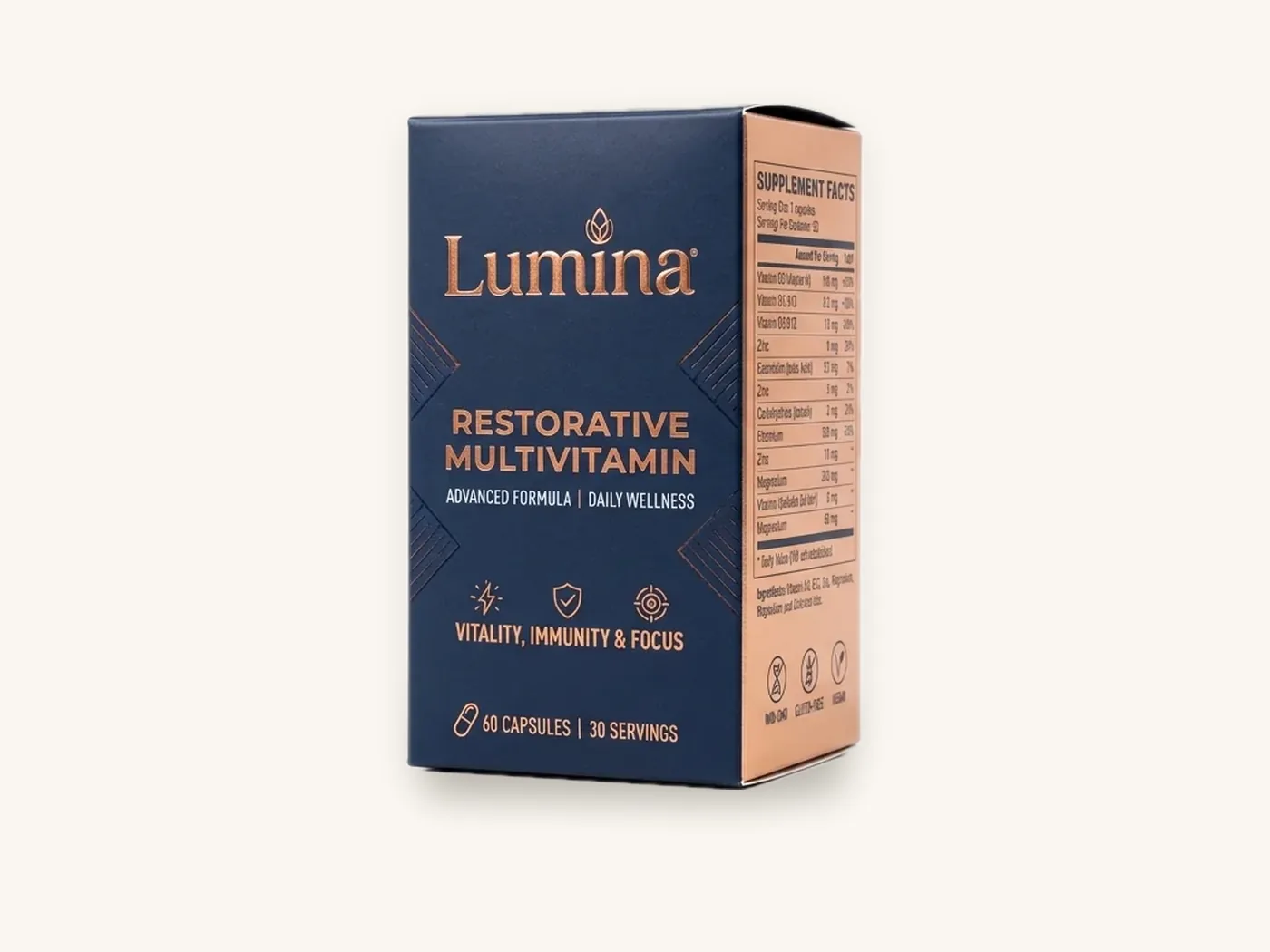
Supplement and vitamin boxes and similar products carry dense required text. A QR code linking to fuller product information, lot details or third-party test documents can help, placed near the information panel. It does not move required label content off the pack. Our supplement label requirements guide outlines what normally has to be printed, and the health and wellness packaging page covers the box styles in this category.
Labels and inserts
When you want a unique code per unit, or need to add a code to boxes you already have, print it on a label or insert card. Custom labels and stickers are easier to run with variable data than cartons and can be applied to any packaging in stock.
| Box style | Best position | Avoid | Typical approach |
|---|---|---|---|
| Straight or reverse tuck carton | Back panel, lower third | Tuck and dust flaps | Printed on carton |
| Narrow carton (under about 2 in wide) | Widest side or insert | Front face | Insert or label |
| Mailer or subscription box | Inside lid | Exterior near shipping label area | Printed inside |
| Shipper or RSC | One side panel, large | Top flaps where tape goes | One-color, oversized |
| Rigid or magnetic box | Insert card or inner base | Wrap seams and foil areas | Printed insert |
| Display box | Header panel at eye level | Tray bottom hidden by product | Larger code, distance rule |
Static vs dynamic QR codes
A static code encodes the final destination directly. A dynamic code encodes a short link that redirects to a destination you can change later. For packaging, the difference is significant because boxes live in warehouses, homes and pantries for months or years.
Why dynamic codes suit packaging
With a dynamic code, you can update a landing page when a product changes, fix a broken link, route by language or region, and see how many scans come from each packaging version. The printed code stays the same. Use a redirect domain you control, or a service you are confident will be around for the life of the packaging, because if the redirect stops working, every printed box stops working with it.
When static is fine
Static codes suit content that will never change and does not need tracking, such as a permanent page on your own domain. Keep the link short so the code stays simple.
Unique codes per unit
Authenticity programs, warranty registration and some promotions need a different code on every unit. That requires variable data printing, usually on labels or inserts, and a back-end that knows which code belongs to which item. Plan that early, as it affects both artwork and production.
Standards for product QR codes
GS1, the organization behind UPC barcodes, has developed GS1 Digital Link, a way of structuring web addresses so that one QR code can carry product identification data and also open consumer web content. Some retailers and brands are exploring it as a future option alongside traditional barcodes. If you sell through major retail, ask your retail partners what they currently accept, and see UPC barcodes on packaging for the barcode basics.
Tip: add a short, human-readable URL beneath the code, such as your domain plus a short path. Anyone whose camera will not read the code, or who sees the box in a photo, can still reach the page.
Designing the landing page behind the code
The scan is only half the experience. A code that opens a slow desktop page defeats its purpose.
- Build the page for phones first: large type, one clear action, fast load.
- Match the call to action on the box. If the box says "setup video," the video should be the first thing on screen.
- Show which product was scanned, so customers know they are in the right place.
- Keep forms short. Warranty registration with a dozen fields gets abandoned.
- If you track scans, be clear about what data you collect and follow your privacy policy and applicable privacy laws.
Pre-press checklist for packaging QR codes
Run through this before you approve the proof. A mistake here affects the entire run.
- Shorten the destination and generate the code from the final short URL.
- Export as vector (PDF, EPS or SVG) and place it at 100 percent, never as a low-resolution image.
- Check size against the ranges above for your board and scanning distance.
- Check the quiet zone: at least four modules clear on every side.
- Check position on the dieline: flat panel, clear of folds, glue areas and cut lines. If you are unsure where these fall, what is a dieline explains each line type.
- Set the code in a single dark color, ideally 100 percent black or one solid spot color, not a four-color build, so slight registration movement cannot blur the modules.
- Remove finishes such as spot UV, foil and embossing from the code area.
- Test the proof on screen with several phones and at least one older device.
- Test a printed sample on the real board and finish, under shop-style lighting, from the real scanning distance.
- Confirm the destination works and will remain live for the life of the packaging.
For bleed, safe zones and color setup across the rest of the box, see our guide to preparing artwork for custom box printing. If you are still deciding on dimensions, the custom box sizes guide helps you choose a panel large enough for the code and required text.

What adding a QR code costs
Printing a QR code on a box that is already being printed normally adds nothing to the unit price, because it is simply part of the artwork. Costs come from what surrounds it: a larger panel if you need to resize the box, an insert card, a label, or variable data for unique codes.
For reference, a reverse tuck end carton in 14 pt SBS at 2x2x6 in, full color with gloss lamination, is about $1.17 each at 100 units and roughly $0.52 at 1,000. A subscription mailer in E-flute at 12x9x4 in, printed full color on both sides with an insert and tear strip, runs about $5.85 at 100 units and about $2.60 at 1,000. Both include free US shipping. If you choose gloss lamination, test scanning under bright light. The instant price estimator shows figures for your exact size and finish.
Ordering QR code packaging from Box Sense
We treat a QR code like any other critical artwork element: we check it against the dieline, flag size or placement problems, and show it on the 3D proof.
What to send
- The QR code as vector artwork, plus the URL it encodes
- Where you want it on the box, or ask us to recommend a panel
- Box style, internal dimensions, board and finish
- Whether each unit needs a unique code (usually a label or insert job)
- Quantities and target delivery date
What happens next
- Quote confirmed within 24 hours.
- Free artwork setup on our dieline, with a 3D digital proof and two revision rounds. Our design services team can also generate a clean vector code from your link.
- Samples. An unprinted structural sample is free. A printed sample of approved artwork is free on orders of 100 or more, which is the best way to scan-test on real board. See samples.
- Production takes 8–12 business days after proof approval, with rush in 5 business days on most paperboard and corrugated styles.
- Shipping is free on every US order and quoted at cost internationally.
Orders start at 10 boxes, so you can print a short run, scan-test it with your team and customers, then scale up. Defective boxes reported within 14 days are reprinted free.
Frequently asked questions
What size should a QR code be on packaging?
For a short URL on smooth white paperboard scanned in hand, about 0.8 in (2 cm) square is a common practical minimum. Increase to roughly 1 to 1.5 in for long URLs, kraft or corrugated board, and use about distance divided by 10 for codes scanned from further away. Always confirm with a printed test on the real board.
How much white space does a QR code need?
The QR specification calls for a quiet zone equal to four modules, the small squares that make up the code, on every side. Keep that border completely free of text, patterns and panel edges. On packaging, also keep the code and its quiet zone at least 1/8 in inside cut lines and folds.
Can a QR code be printed on kraft boxes?
Yes, but kraft lowers contrast because the brown board shows through the ink. Print the code in a dark color on an opaque white ink patch, or print it larger than you would on white board. Test a printed sample under normal lighting, and avoid light-colored codes directly on kraft.
Should I use a static or dynamic QR code on my packaging?
Dynamic codes are usually better for packaging. They encode a short link that redirects to a destination you can change, so you can fix links, update content and track scans without reprinting boxes. Make sure the redirect service or domain will remain active for as long as the packaging is in circulation.
Can a QR code replace a barcode on retail packaging?
Not today in most retail settings. Point-of-sale systems generally rely on UPC or EAN barcodes, so keep the barcode your retailers require. GS1 Digital Link is being developed so a single QR code can carry product identification in the future, but ask your retail partners what they currently accept.
Where is the best place to put a QR code on a box?
Put it where the customer has the question it answers. Setup and welcome codes belong inside the lid or on an insert. Reorder and product information codes suit the back panel near related text. Always choose a flat surface away from folds, glue flaps, seams and reflective finishes such as foil or spot UV.
Why is my packaging QR code not scanning?
The usual causes are a crowded quiet zone, low contrast, a code printed too small for its data, glare from gloss lamination or foil, or placement over a fold or curve. Long URLs create dense codes that need more size. Shorten the link, enlarge the code, move it to a flat matte area and retest.
Next steps
Pick one job for your QR code, write the landing page, and then decide the panel and size. When you are ready to price the box around it, use the custom packaging price estimator, or request a quote with your QR artwork and we will check size, quiet zone and placement on the proof before anything is printed. If the code is part of a retailer or distributor program, private label packaging covers how to manage artwork across multiple brands.
Boxes in this guide
Order the packaging we covered
Written by the Box Sense Packaging Team
Our structural designers, prepress technicians and production staff print and convert custom boxes every day for brands in the United States, United Kingdom and UAE. Questions about this guide? Talk to us.