A UPC barcode on packaging only works if three things are right: the number is a genuine GS1 GTIN assigned to your company, the symbol is printed within the size and contrast limits scanners are built for, and it sits on a flat, uninterrupted panel where a cashier or warehouse scanner can reach it. Miss any one and you get manual keying at checkout, rejected inbound shipments or a retailer chargeback.
This guide works through those three layers in order. It starts with where UPC numbers come from, moves to the printed symbol (magnification, quiet zones, bar width reduction and color), then covers barcode placement on a box, special cases like kraft board and curved surfaces, and finishes with a practical scan-testing process you can run before approving a print run.
Key takeaways
- A retail UPC encodes a 12-digit GTIN built from a GS1 company prefix you license, an item reference you assign and a check digit; get numbers from GS1 US, not from resellers.
- The standard UPC-A symbol is roughly 1.47 in wide by 1.02 in tall at 100% magnification, and GS1 allows scaling from roughly 80% to 200%; do not shorten the bar height to save space.
- Keep clear quiet zones on both sides of the bars, print dark bars on a light background, and never use red, orange or yellow for the bars.
- Place the barcode on a flat panel, commonly the back or bottom, clear of folds, seams, flaps, varnish-heavy areas and panel edges.
- Scanning with a phone is not verification. Test printed samples with a proper barcode verifier or ask for a verification report before a large run.
- Printing the barcode on a label lets one box design cover several variants, while printing it on the box looks cleaner for single-SKU runs.
Where UPC numbers come from: GS1 company prefixes and GTINs
The barcode is just a picture of a number. The number is what retailers, distributors and marketplaces record in their systems, so it has to be unique and traceable to your brand.
How a UPC-A number is built
A UPC-A symbol encodes a GTIN-12: twelve digits made of three parts.
| Part | What it is | Who controls it |
|---|---|---|
| GS1 company prefix | A number block licensed to your company; its length depends on how many items you need to number | GS1 US licenses it |
| Item reference | The digits you assign to each distinct product variant | You |
| Check digit | A final digit calculated from the others so scanners can detect misreads | Calculated automatically |
A shorter company prefix leaves more digits for item references, so it supports more products. GS1 US also offers individual GTINs for brands that only need a handful of numbers. Pricing and capacity options change, so check the current options directly with GS1 US.
One number per variant
Every variant a retailer would stock separately needs its own GTIN: each size, flavor, scent, color and pack count. A 4 oz and 8 oz version of the same lotion are two GTINs. A three-pack gift set is a third. Reusing a GTIN across variants breaks inventory counts and can get listings suppressed on marketplaces.
Why cheap resold barcodes cause problems
Barcodes sold by third parties are often numbers from prefixes originally licensed to another company. They may scan, but the GS1 record will not point to your brand, and major retailers and marketplaces increasingly check GTINs against GS1 data. If you plan to sell through retail chains or Amazon, license numbers in your own company's name.
Watch out: changing a product's GTIN after launch is painful. Retailers treat a new number as a new item, reviews and listings may not carry over, and old packaging still in the channel scans as something else. Settle your variant structure before assigning numbers.
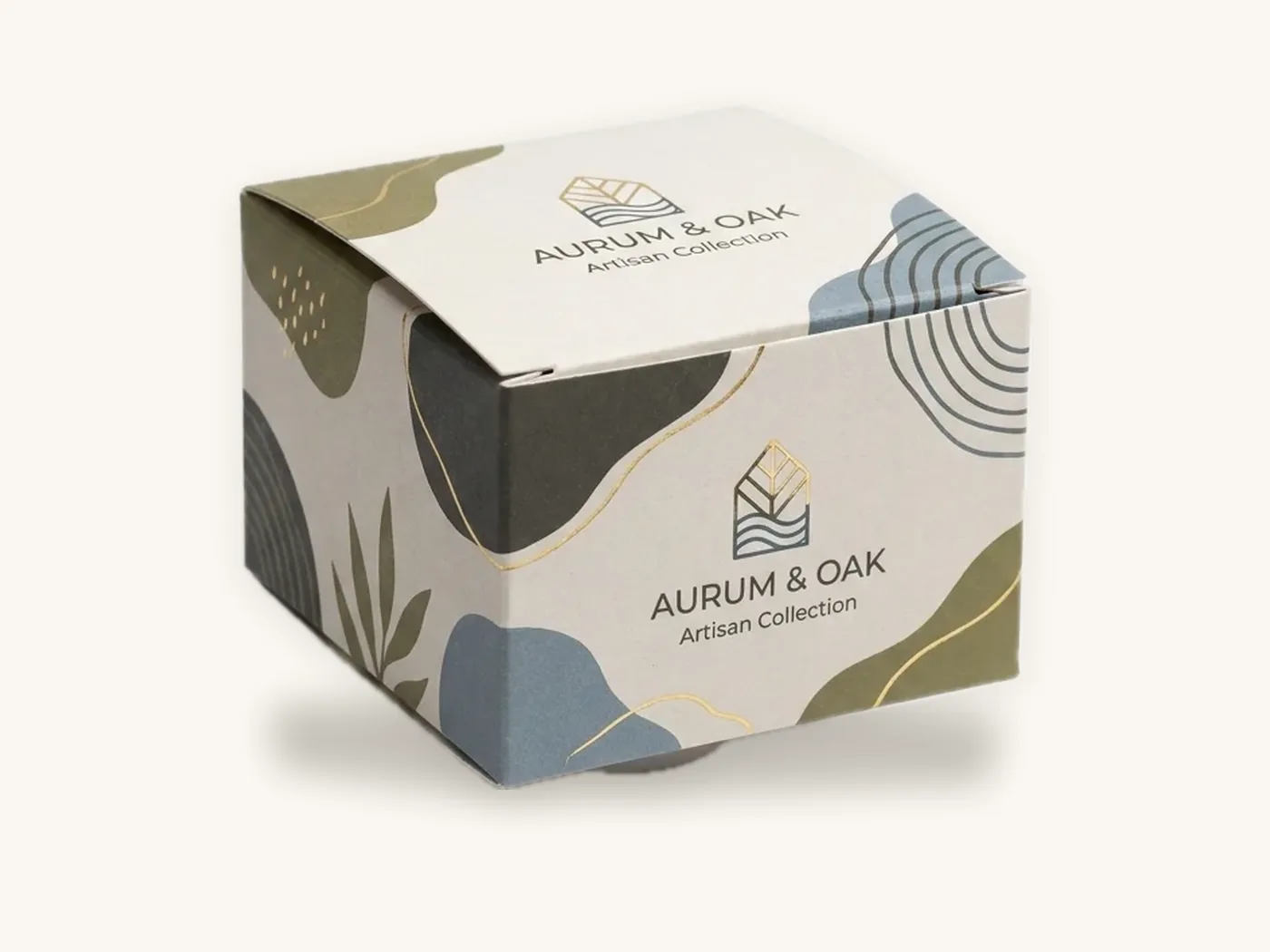
UPC symbol size, magnification and quiet zones
Once you have the number, the symbol has to be drawn to spec. Most packaging barcode failures happen here, usually because a designer scaled or cropped the barcode to fit the layout.
Nominal size and the magnification range
The UPC-A symbol is defined at a nominal 100% size. At that size the narrowest bar, called the X-dimension, is about 0.013 in (0.33 mm), and the full symbol including its quiet zones and human-readable digits is roughly 1.47 in wide by 1.02 in tall. GS1 allows retail barcodes to be scaled proportionally within a range of roughly 80% to 200% of that nominal size.
| Magnification | Approximate width incl. quiet zones | Approximate height | Typical use |
|---|---|---|---|
| 80% | about 1.18 in (30 mm) | about 0.82 in (21 mm) | Small cartons with excellent print quality; little margin for error |
| 100% | about 1.47 in (37 mm) | about 1.02 in (26 mm) | The safe default for most folding cartons and labels |
| 150% | about 2.20 in (56 mm) | about 1.53 in (39 mm) | Rougher substrates or where print spread is harder to control |
| 200% | about 2.94 in (75 mm) | about 2.04 in (52 mm) | Large packages and lower-resolution printing |
These are typical figures for planning. Your barcode-generating software or GS1's own tools should produce the exact dimensions for the magnification you choose.
Why you should not truncate the height
Reducing only the bar height, leaving the width alone, is called truncation. It is tempting on a slim box, but a shorter symbol is harder to scan omnidirectionally at a checkout counter. GS1 guidance for retail point-of-sale symbols is to avoid truncation. If a barcode does not fit, move it to a larger panel, reduce magnification within the allowed range, or consider a UPC-E symbol if your number qualifies.
Quiet zones
A quiet zone is the blank space to the left and right of the bars. The scanner uses it to find where the symbol starts and stops. For UPC-A, each quiet zone is nine times the X-dimension, which works out to roughly 0.12 in (3 mm) per side at 100%.
Nothing may intrude into that space: no border, no panel edge, no text, no pattern, no fold. Many barcode files include small angle marks to show the quiet zone boundary. Leave them in until the layout is final.
UPC-E for very small packages
UPC-E is a compressed six-digit version that suits lipstick cartons, small tubes and similar items. It is only available for certain GTIN-12 numbers that contain enough zeros to be suppressed. If your packaging is very small, check with GS1 US before you assign item references.
Color, contrast and bar width reduction
Scanners read the difference in reflectance between bars and spaces, usually under red light. That single fact explains most color rules.
Colors that scan and colors that fail
| Bars | Background | Result | Why |
|---|---|---|---|
| Black | White | Best | Maximum contrast under any scanner light |
| Dark blue, dark green, dark brown | White or pale yellow | Usually acceptable | Still absorb enough red light to read as dark |
| Black | Kraft brown | Often marginal | The brown background reflects less light, reducing contrast |
| Black | Metallic foil or holographic | Unreliable | Mirror-like surfaces bounce light away from the scanner |
| Red, orange or yellow | Any | Fails | These colors reflect red light and look like spaces to a scanner |
| White | Black (reversed) | Avoid for retail POS | Many retail scanners expect dark bars on a light ground |
Red can be a background color because it reads as light to a red-light scanner, but it looks wrong to humans and can confuse camera-based imagers. White with black bars is the reliable choice, especially on kraft paperboard, where a printed white box behind the barcode fixes the contrast problem.
Bar width reduction
Ink spreads slightly when it hits board. On a barcode, that spread makes every bar a little fatter and every space a little thinner, which can push the symbol out of tolerance. Bar width reduction (BWR) compensates by making the bars slightly thinner in the artwork.
The right BWR depends on the printing process, substrate and press. Offset printing on coated SBS paperboard typically needs very little. Flexographic printing on corrugated board needs noticeably more. Ask your printer for their BWR value before generating the final barcode file, and do not apply an arbitrary reduction yourself.
Finishes over the barcode
Gloss lamination and heavy gloss varnish can create glare that some scanners struggle with. Matte lamination or aqueous coating is safer. Keep foil, spot UV and embossing well away from the symbol and its quiet zones. The printing and finishes page shows which coatings suit each board.
Barcode placement on a box: panels, orientation and edges
Barcode placement on a box follows the way products are handled at checkout and in the warehouse. The aim is a flat, unobstructed symbol that a cashier finds without searching.
Choosing the panel
GS1 placement guidance for most retail packaging points to the back of the package, generally toward the lower right area, or the bottom when the back is not suitable. For a straight tuck end box standing on a shelf, that usually means the back panel. For a flat, wide box like a game or gift set, the bottom panel may be more practical.
What to keep the barcode away from
- Folds and creases: a bar crossing a fold distorts or cracks.
- Glue flaps and seams: overlapping board changes the surface height and may cover bars.
- Tuck flaps and dust flaps: they move and may be tucked out of sight.
- Panel edges: GS1 guidance recommends keeping the symbol a small distance in from any edge, roughly 5/16 in (8 mm), so it does not wrap or get scuffed.
- Perforations, windows and tear strips: these break the surface.
- Hang holes and die-cut features: they can intrude on the bars or quiet zone.
Orientation on flat and curved surfaces
On a flat panel, print the bars vertically ("picket fence" orientation), with the digits reading normally below. On a cylinder or a round box with a small diameter, bars running vertically curve away from the scanner at the ends. In that case, rotating the symbol so the bars run horizontally, called ladder orientation, keeps each bar on a straight line. Paper tube packaging and small round boxes often need this.
Barcode placement box checklist
- Place the barcode on the back or bottom panel of the dieline, not on the front.
- Keep the whole symbol, including quiet zones, on one flat panel.
- Maintain roughly 5/16 in (8 mm) clearance from folds, cuts and edges.
- Keep background patterns, gradients and brand art out of the quiet zones.
- Use black bars on a white or very light area; add a white box on kraft or dark stock.
- Confirm magnification is within the GS1 range and the height is not truncated.
- Keep foil, spot UV and embossing away from the barcode area.
- Check that no other barcode on the pack can be confused with the retail UPC.
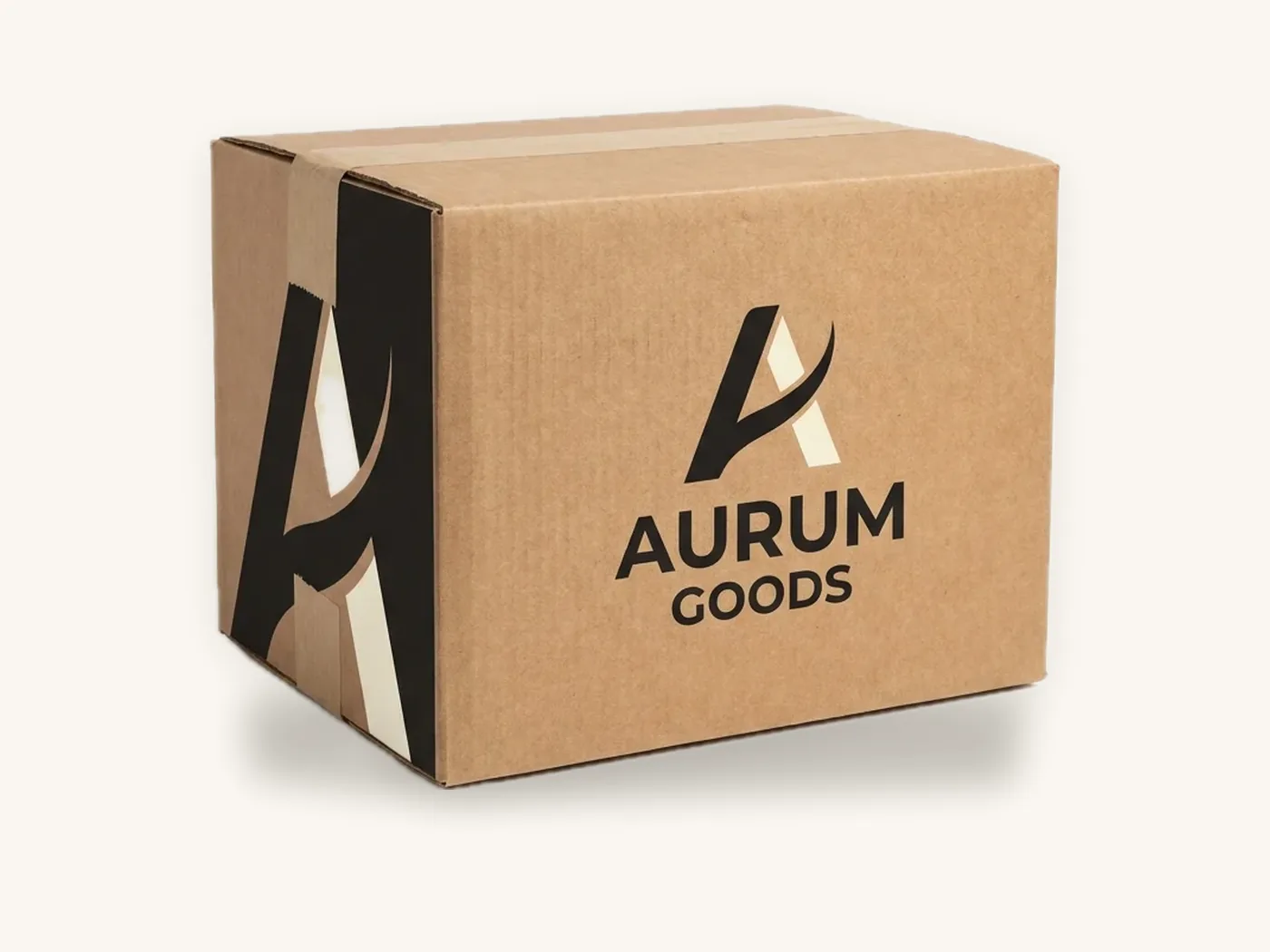
Retail cartons versus shipping cases
The UPC on a retail box identifies one sellable unit. Cases and shipping cartons that hold multiple units usually carry a different symbol.
Case barcodes and ITF-14
Corrugated cases commonly use the ITF-14 symbol, which encodes a GTIN-14 for the case. It is designed to print acceptably on rougher corrugated surfaces and is often printed with a thick bearer bar frame. Retail chains and distributors set their own case-marking requirements, so ask each trading partner what they expect on custom shipping boxes.
Marketplace labels
Marketplaces may add their own labels on top of, or instead of, your UPC. Amazon, for example, uses its own unit labels for many fulfillment programs, and requires only one scannable barcode to be exposed on a unit. The Amazon FBA packaging requirements guide covers unit and carton labeling, and Amazon FBA boxes can be printed with space reserved for those labels.
2D barcodes on retail packaging
GS1 US has been leading an industry transition so that retail point-of-sale scanners can read GS1-standard 2D barcodes, such as a QR code encoded with GS1 Digital Link, alongside or in place of linear UPCs. For now, keep a linear UPC on retail packaging unless a trading partner tells you otherwise. The QR codes on packaging guide covers how to size and place 2D codes.
Scan testing and verification before you print
Testing is the difference between assuming a barcode works and knowing it will pass a retailer's receiving check.
Scanning is not verifying
A phone app or handheld scanner tells you whether one device could read the symbol once. Barcode verification uses a calibrated verifier to grade the symbol against ISO/IEC print quality standards, measuring contrast, edge definition, decodability, quiet zones and defects. Retailers and GS1 specify minimum grades for retail symbols.
| Test | What it tells you | When to use it |
|---|---|---|
| Phone or handheld scan | The number decodes on one device | Quick check of digital proofs and files |
| Multi-scanner test | Readability across different scanner types and angles | Early printed samples |
| Verifier grading | A formal quality grade against the ISO/IEC method | Before approving a production run; retailer requirements |
| Database check | The GTIN matches the product in your GS1 record | Before artwork is finalized |
A practical testing sequence
- Check the number. Confirm the GTIN, check digit and product description match your GS1 US record.
- Check the file. Use a vector barcode generated at the correct magnification and BWR; do not use a screenshot or a scaled raster image.
- Check the layout. Confirm quiet zones, panel position and clearance on the dieline.
- Scan the digital proof. Print the proof at 100% on an office printer and scan it as a basic sanity check.
- Scan a printed sample. Test the actual board, ink and coating with several scanners, including at an angle.
- Verify. Have the printed sample graded with a verifier, or use a GS1 US-listed verification service, especially before a retail launch.
- Keep records. File the verification report with the approved proof for that version.
Tip: if you sell several variants of the same box, print the design once with a clear white barcode area and apply variant-specific custom labels. You verify one label template instead of every box version, and a new flavor needs a new label, not a new carton run.
How to order barcode-ready packaging from Box Sense
Box Sense prints retail cartons, labels and shipping boxes in-house. We place the barcode you supply at the size and position you approve; licensing numbers from GS1 US and verifying them against your record stay with you.
What to send
- Box style and internal dimensions, such as a custom product box or folding carton
- The GTIN for each version, and a vector barcode file if you have one
- Preferred barcode panel and whether you want it printed on the box or on a label
- Board choice: white SBS for maximum contrast, or kraft with a white barcode box
- Coating preference; matte or aqueous is safest around the barcode
- Quantities per variant
- Any retailer or marketplace labeling requirements
Proofing, samples and timeline
Our design services team supplies the dieline, positions the barcode clear of folds and flaps, and sends a 3D digital proof with two revision rounds. Unprinted structural samples are free, and a printed sample of approved artwork is free on orders of 100 or more, which gives you the physical sample to verify.
Standard production is 8–12 business days after proof approval, with rush in 5 business days on most paperboard and corrugated styles. The minimum order is 10 boxes, and there are no die or plate charges.
For budgeting, a straight tuck end carton in 18 pt SBS at 3x2x5 in with full color outside and aqueous coating runs about $1.15 each at 100 units and about $0.51 at 1,000, with US shipping included. A kraft tuck carton at 4x3x2 in with 1-color print is roughly $0.81 at 100. Our custom box cost guide explains what moves those numbers, and the instant price estimator prices your exact spec.
Frequently asked questions
Where do I get a UPC barcode for my product?
License a GS1 company prefix or individual GTINs from GS1 US, which administers UPC numbers in the United States. You then assign a number to each product variant and generate the barcode symbol. Buying numbers from resellers can leave your products tied to another company's record, which can cause problems with retailers and marketplaces that check GS1 data.
What size should a UPC barcode be on a box?
The nominal UPC-A symbol is roughly 1.47 in wide by 1.02 in tall, including quiet zones, at 100% magnification. GS1 allows proportional scaling from roughly 80% to 200%. Use 100% as the default for folding cartons, go larger on rough substrates, and avoid shrinking the bar height, which makes checkout scanning less reliable.
Where should the barcode go on packaging?
For most retail packaging, place the barcode on the back panel, generally toward the lower right, or on the bottom if the back is not suitable. Keep the entire symbol and its quiet zones on one flat panel, away from folds, seams, flaps, edges and die-cut features. On narrow cylinders, rotate the bars horizontally.
Can a barcode be printed in color?
Yes, within limits. Bars must be dark and the background light. Black bars on white are the most reliable; dark blue, green or brown bars on white usually work. Red, orange and yellow bars fail because scanners read them as light. Avoid metallic or foil backgrounds, and put a white box behind barcodes printed on kraft board.
Do I need a different UPC for each product size or flavor?
Yes. Every variant sold as a separate item needs its own GTIN, including different sizes, flavors, colors, scents and multipacks. Using one number for several variants breaks retail inventory and pricing systems and can cause marketplace listing issues. Plan your variant structure first, then assign item references from your GS1 company prefix.
How do I test if my barcode will scan?
Start by scanning a printed proof with a phone or handheld scanner to confirm the number decodes. Then test a real printed sample on the final board and coating with several scanners. Before a large retail run, have the sample graded with a barcode verifier, which measures print quality against ISO/IEC standards rather than a single read.
Should the barcode be printed on the box or on a label?
Print it on the box when the carton is used for one SKU and you want the cleanest look. Use a label when one box design covers several variants, when GTINs may change, or when marketplace labels are required. Labels also make verification simpler because one template serves many products, and they let you reuse existing carton inventory.
Next steps
Confirm your GTINs with GS1 US, decide whether each barcode lives on the box or a label, and mark the barcode panel on your dieline before brand artwork is finished. Then price your cartons with the packaging cost estimator and request a quote for barcode-ready packaging. We confirm pricing within 24 hours and send a proof you can scan and a sample you can verify.
Boxes in this guide
Order the packaging we covered
Written by the Box Sense Packaging Team
Our structural designers, prepress technicians and production staff print and convert custom boxes every day for brands in the United States, United Kingdom and UAE. Questions about this guide? Talk to us.